

Athletes
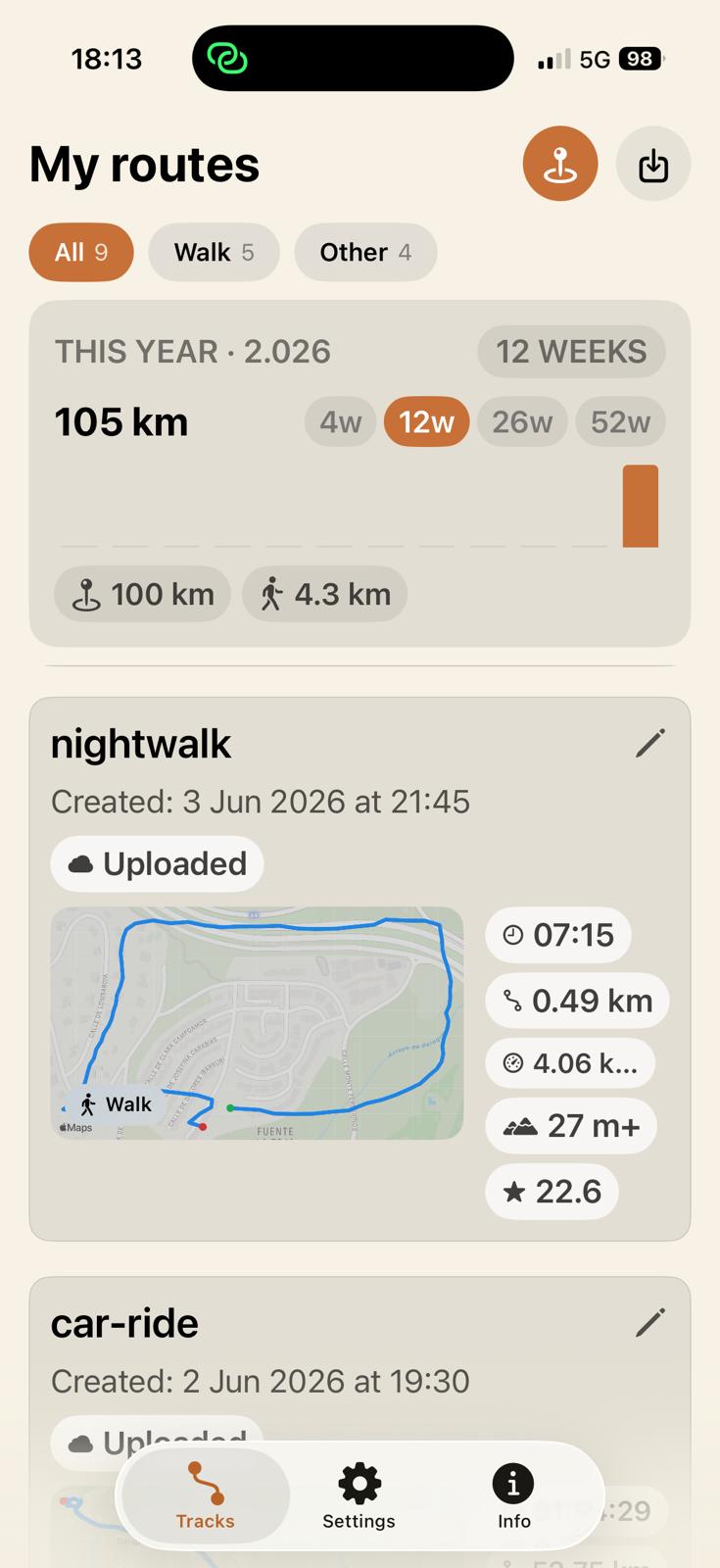
Run, ride, hike or ski with full GPS stats, pace announcements, voicepoints and a live link to share with anyone.
 freedomTrack
Private GPS tracking for iOS
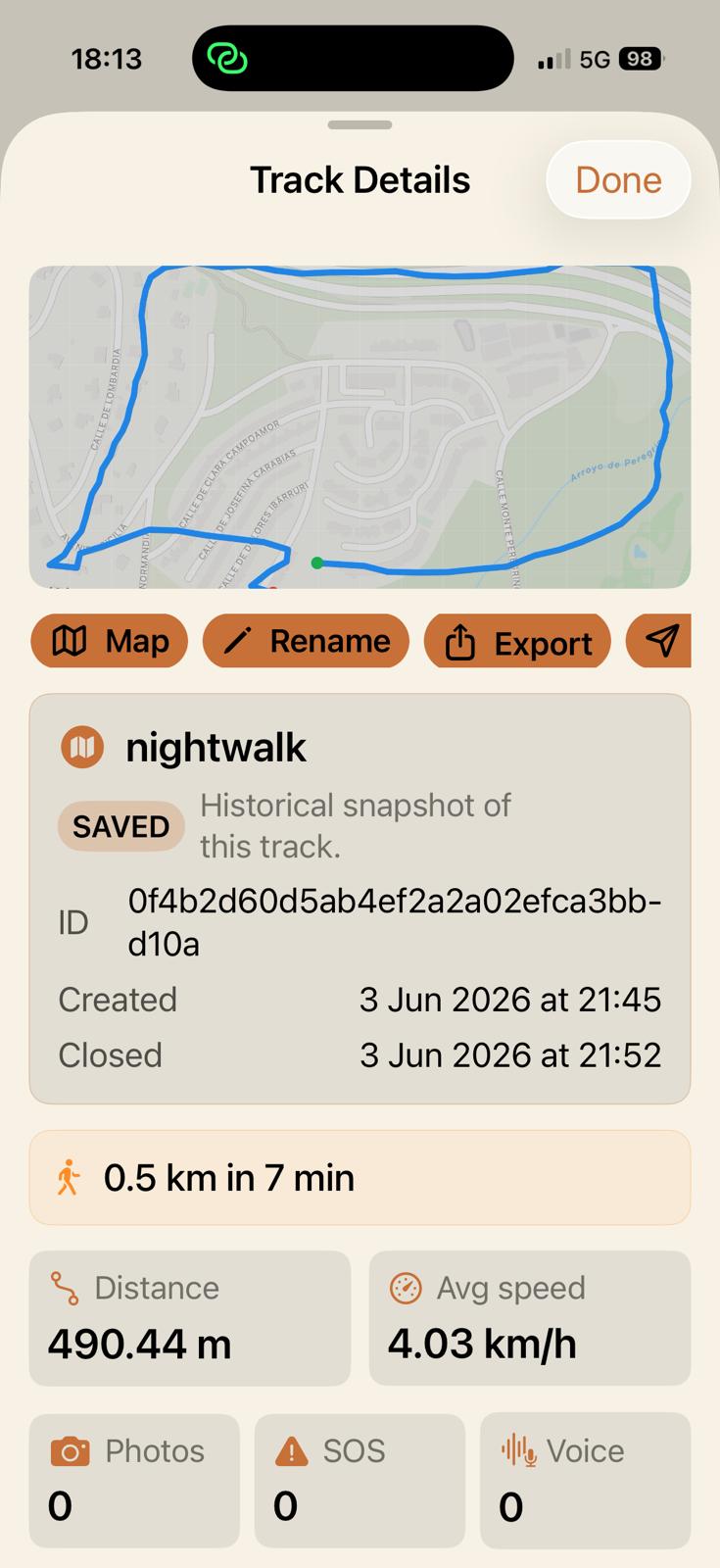
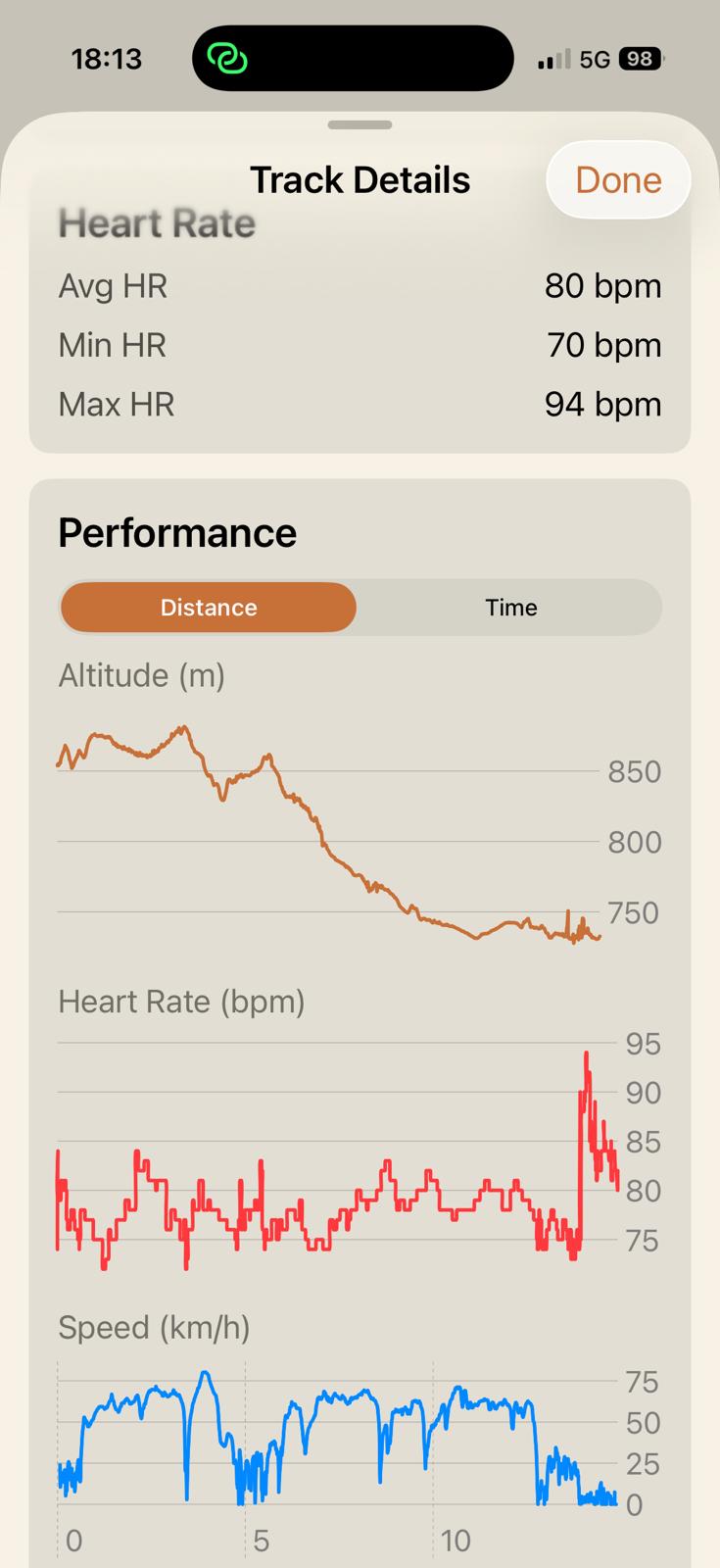
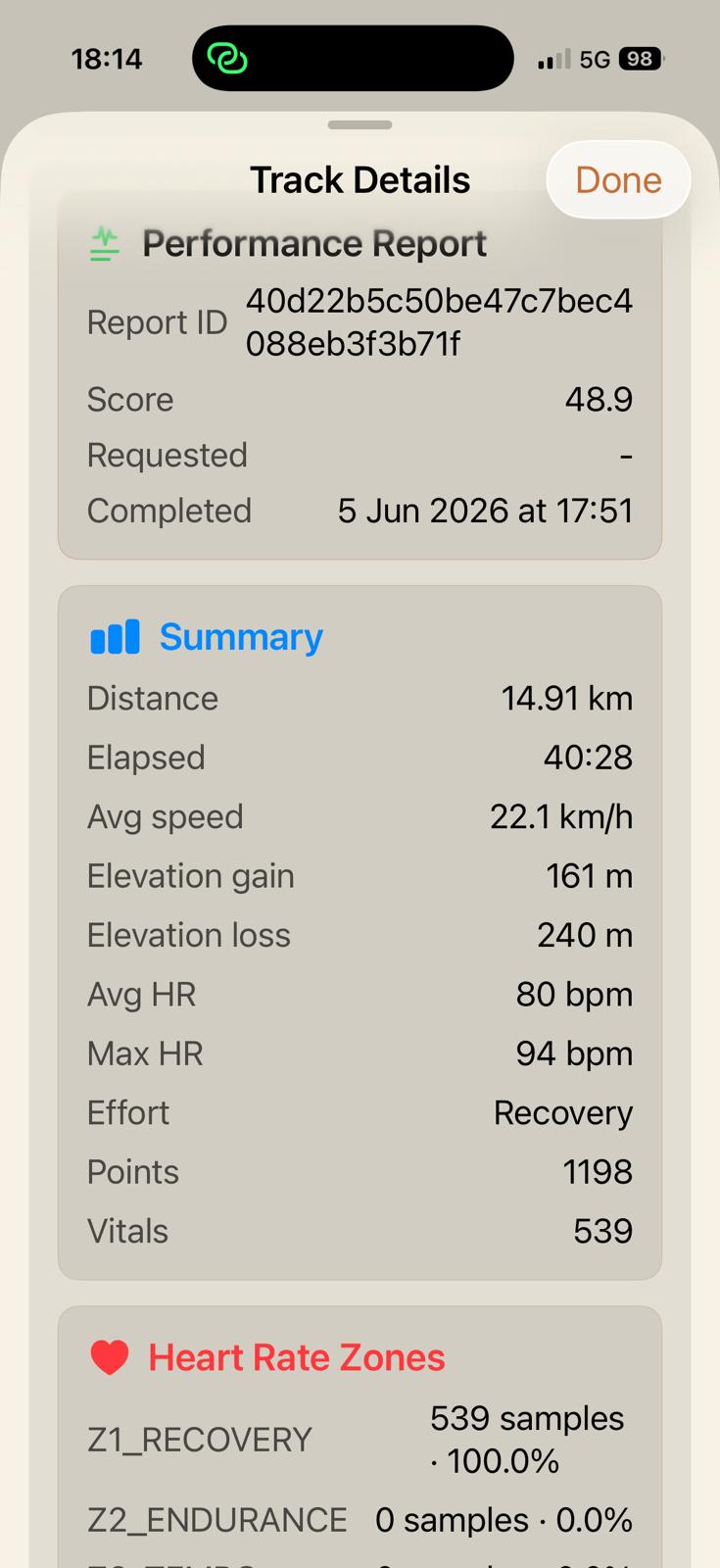
Record routes when you run, ride, walk, hike, or ski. Capture speed, distance, elevation, photos, voicepoints, and Apple Watch heart rate when you enable it.
Designed by riders, bikers, and all kinds of doers for explorers, commuters, adventurers, and go-getters.
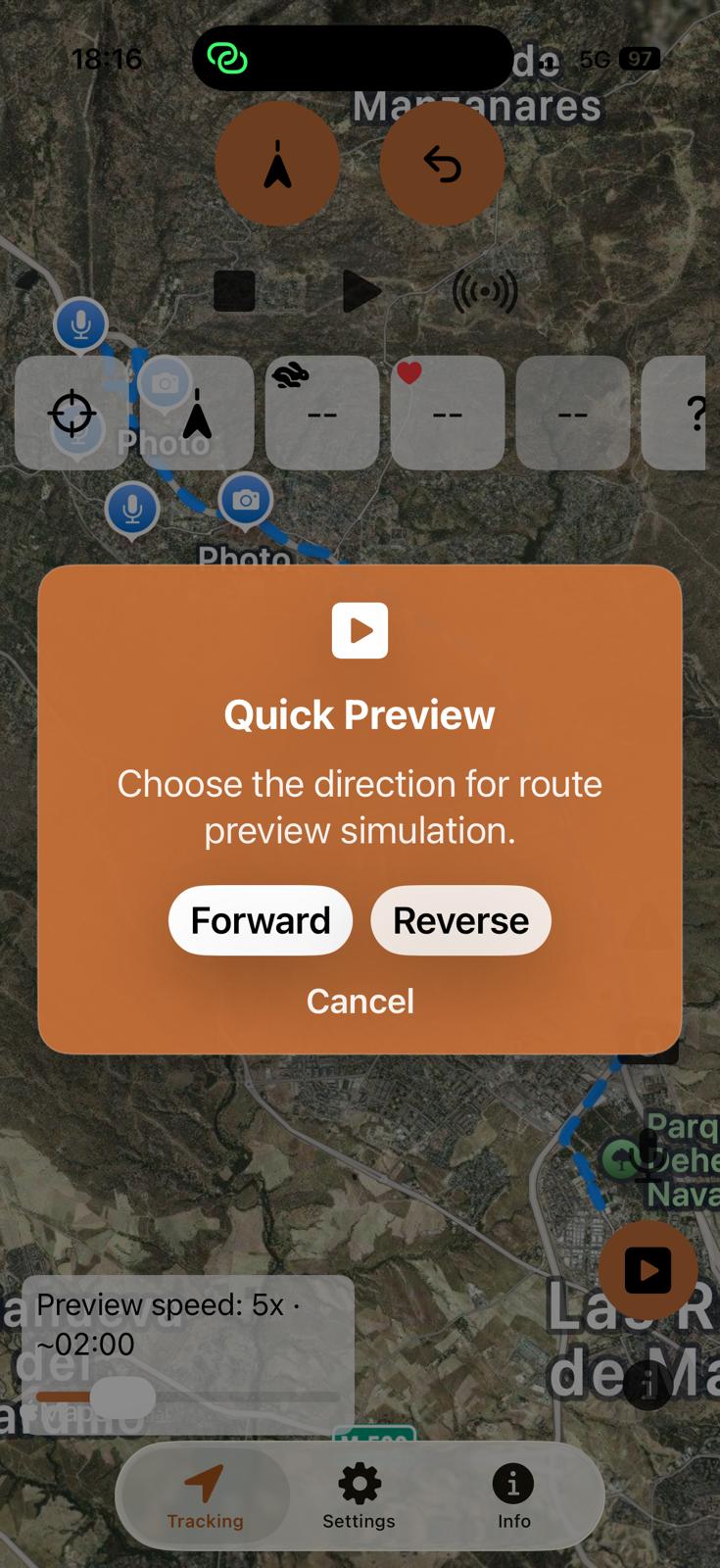
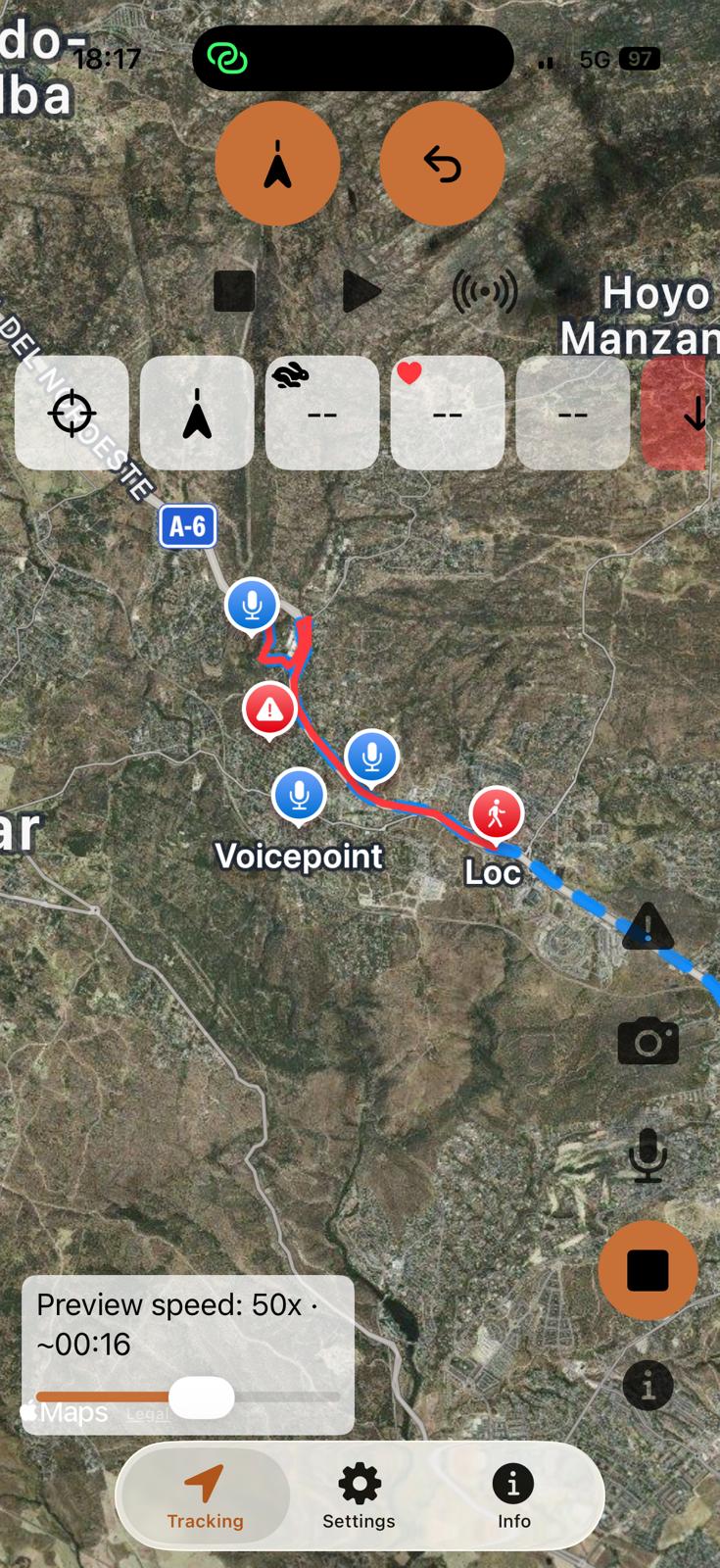
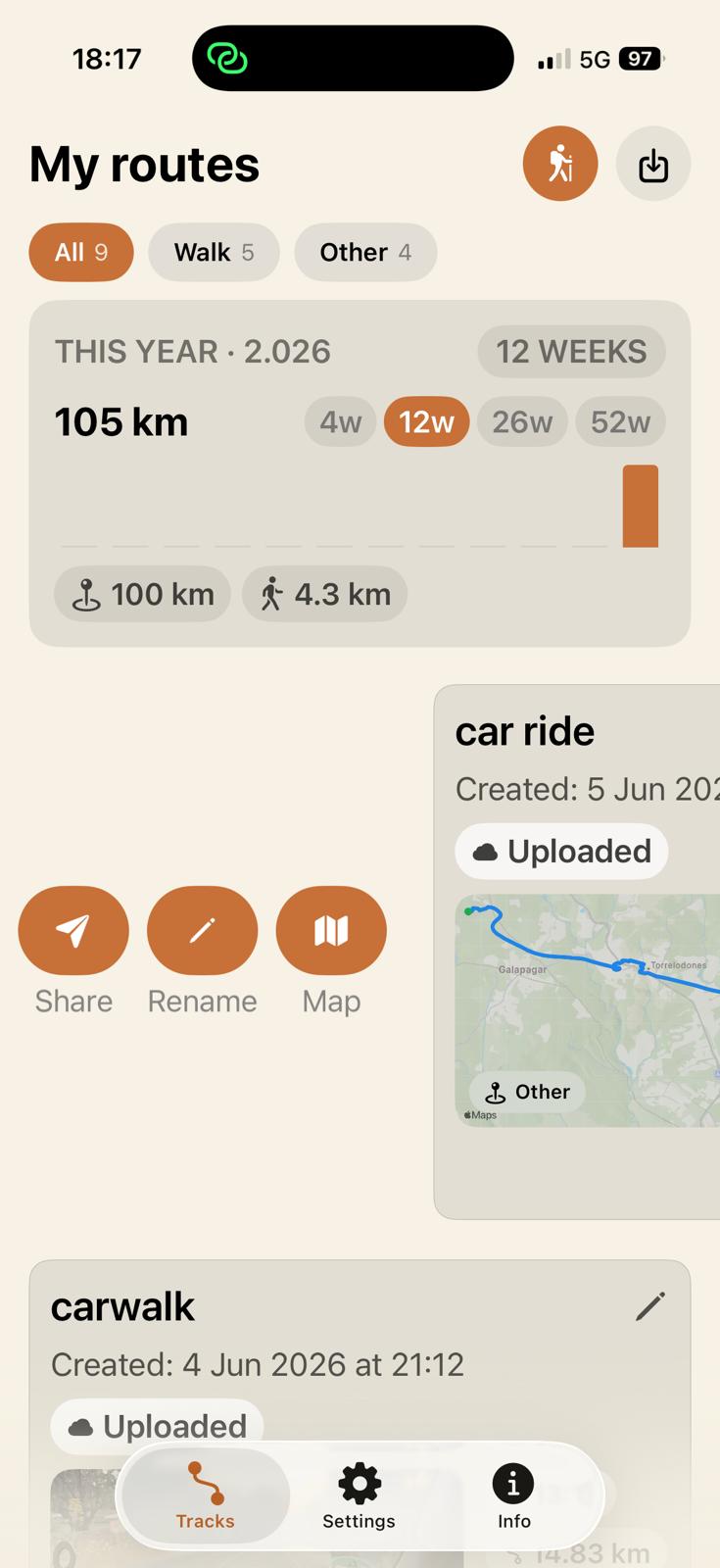
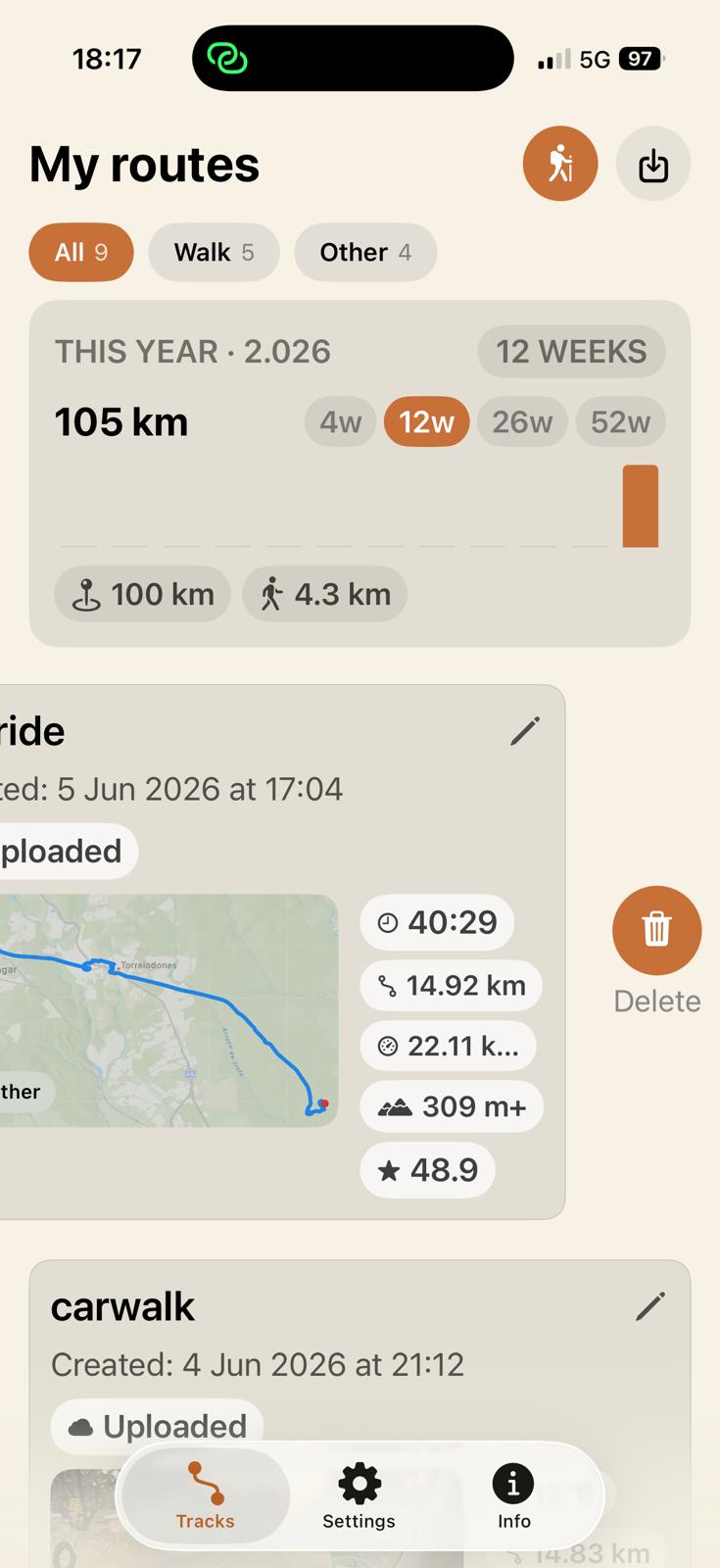
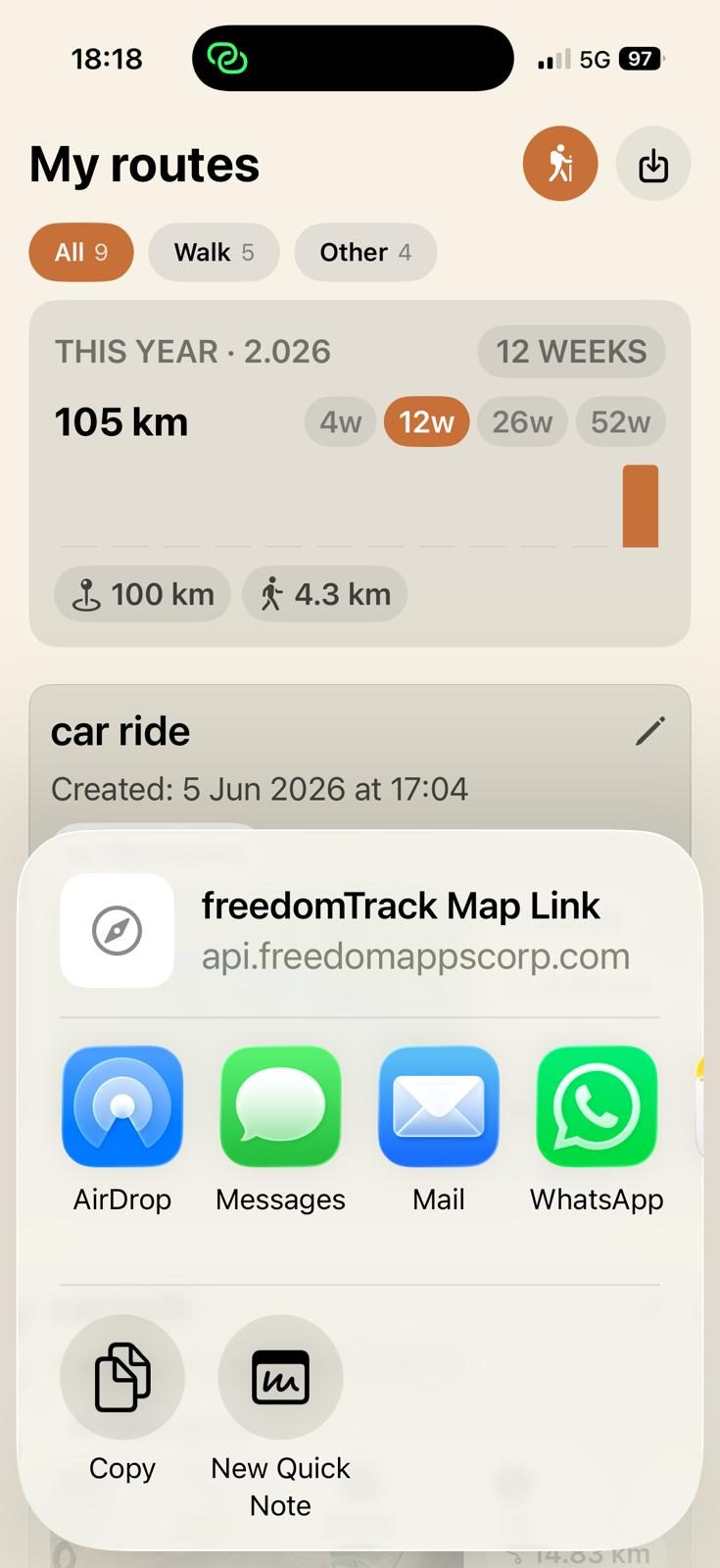
freedomTrack turns every outdoor activity into a story you can inspect, replay, and share. Add geotagged photos and transcribed voicepoints to each route, revisit it with Quick Preview, import shared routes, and send links through WhatsApp, AirDrop, or email.
New
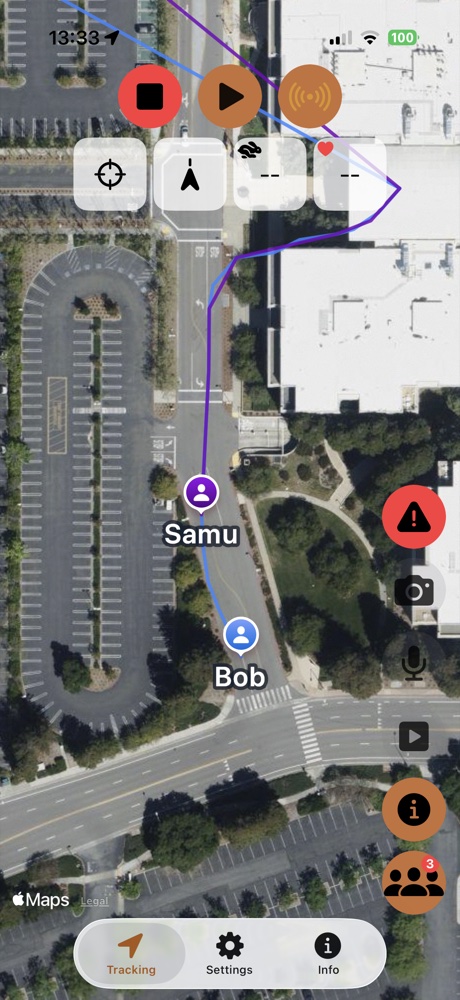
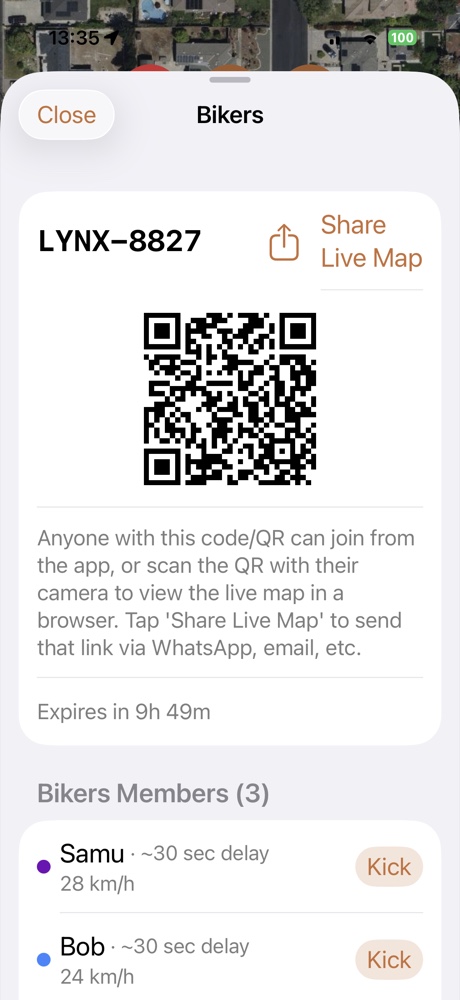
Whatever the activity — hiking, hunting, cycling, or running — create or join a group with a code or QR, and see every member's live position, speed, and status on the map. Share a live map link with anyone, even if they don't have the app.
New
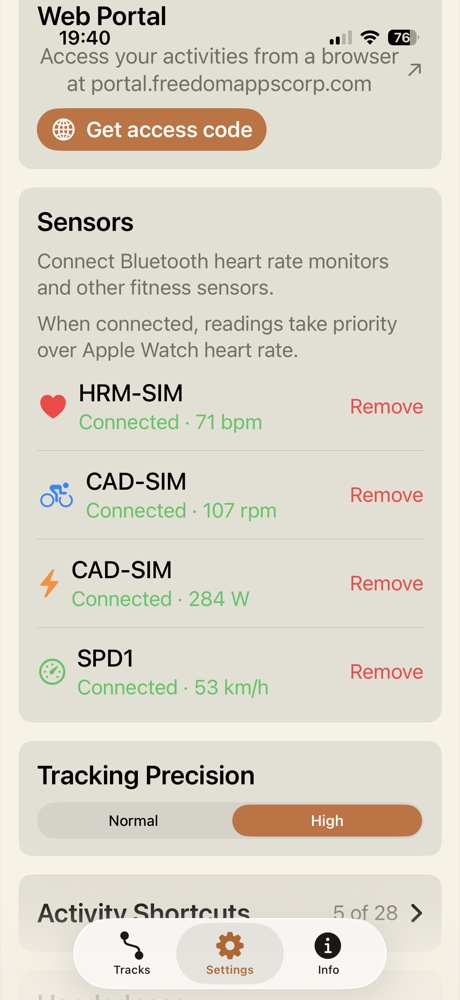
Connect Bluetooth heart rate monitors, cadence sensors, power meters and speed sensors directly to the app. Readings update live during your activity and take priority over Apple Watch heart rate.
Ecosystem
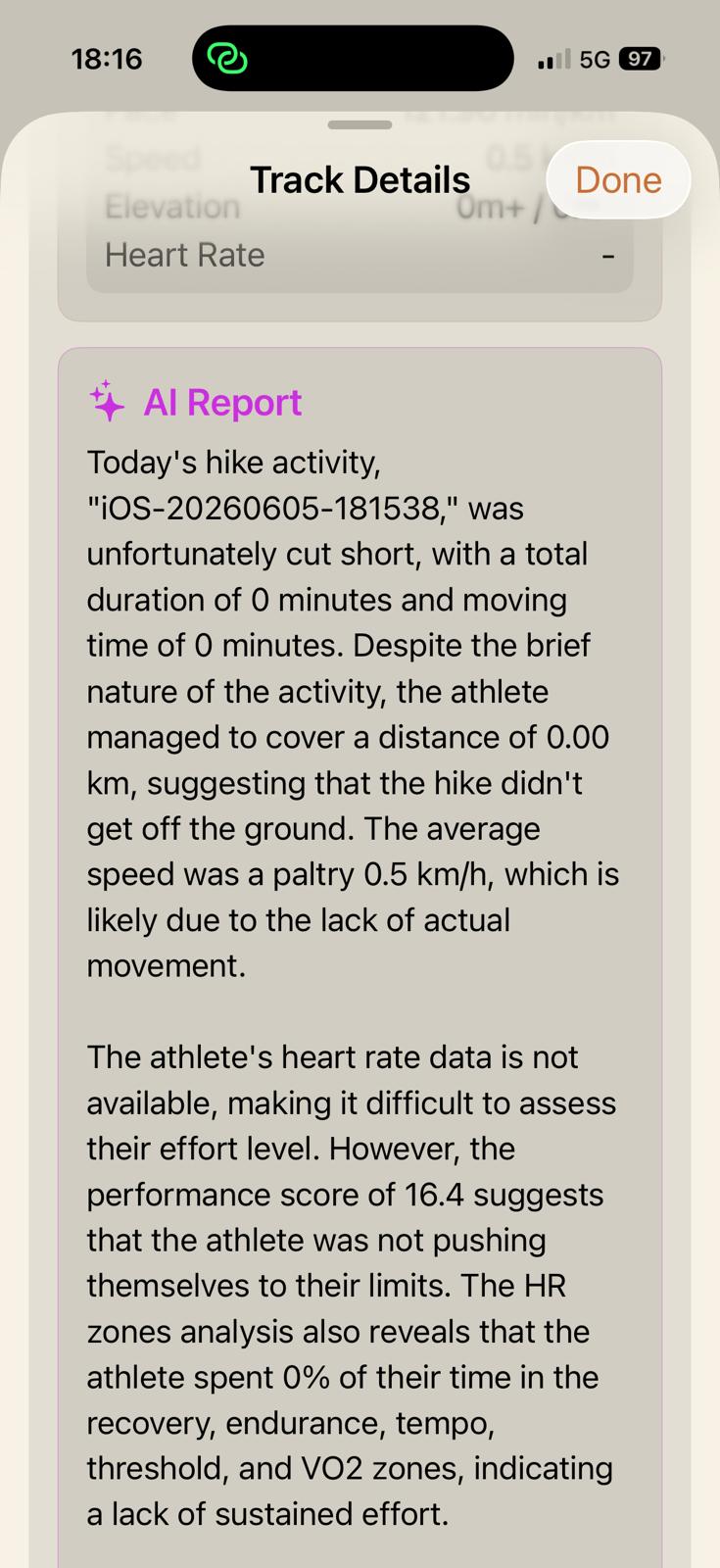
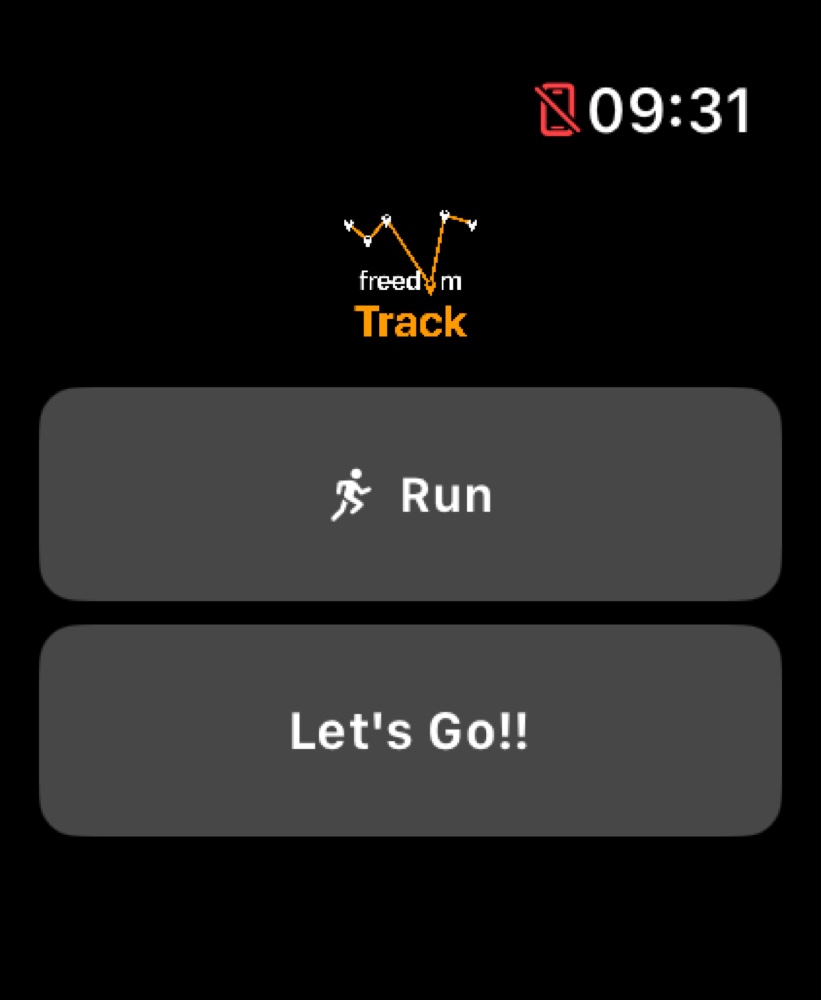
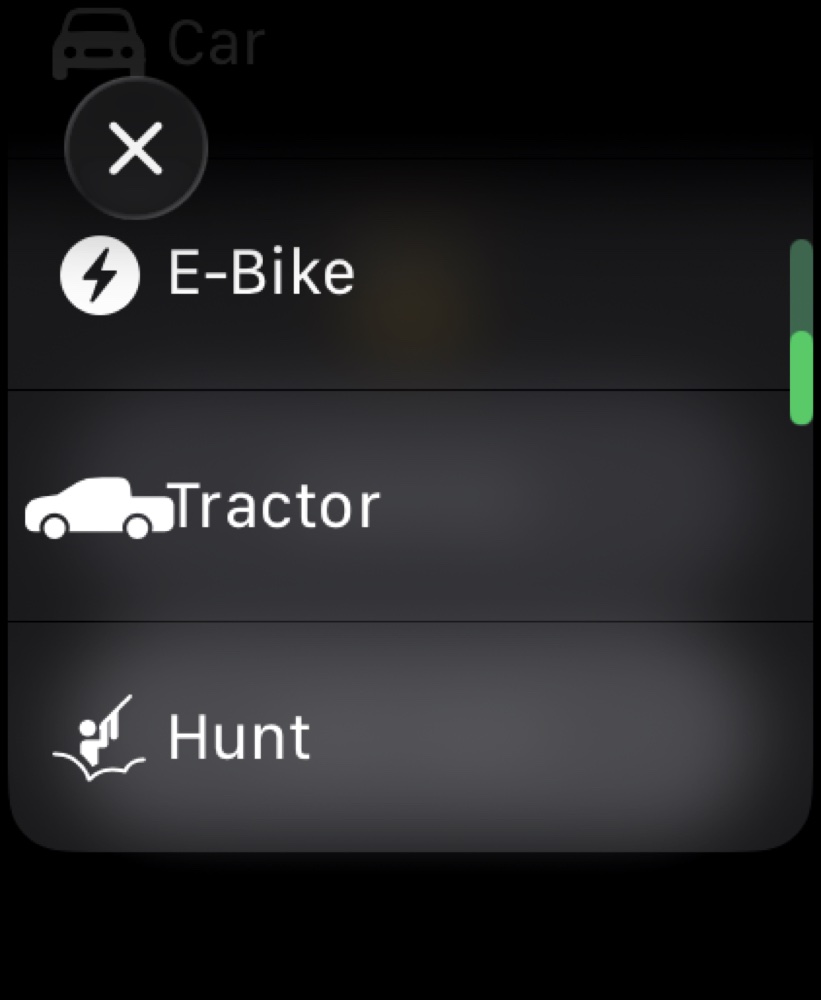
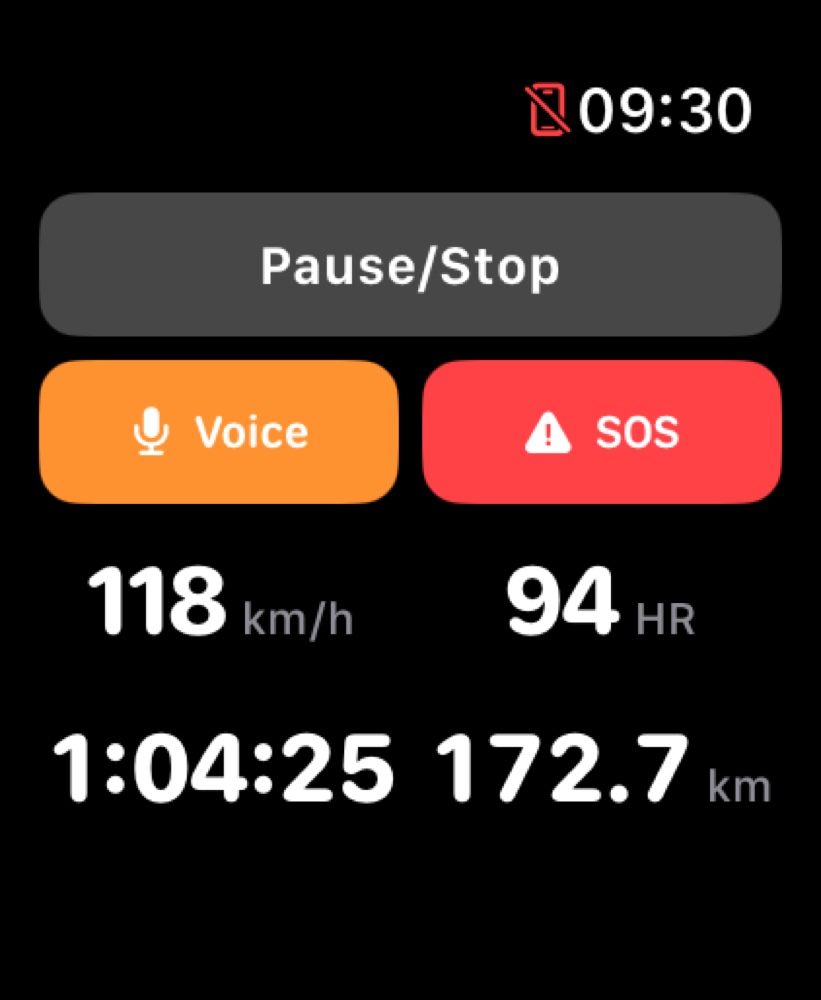
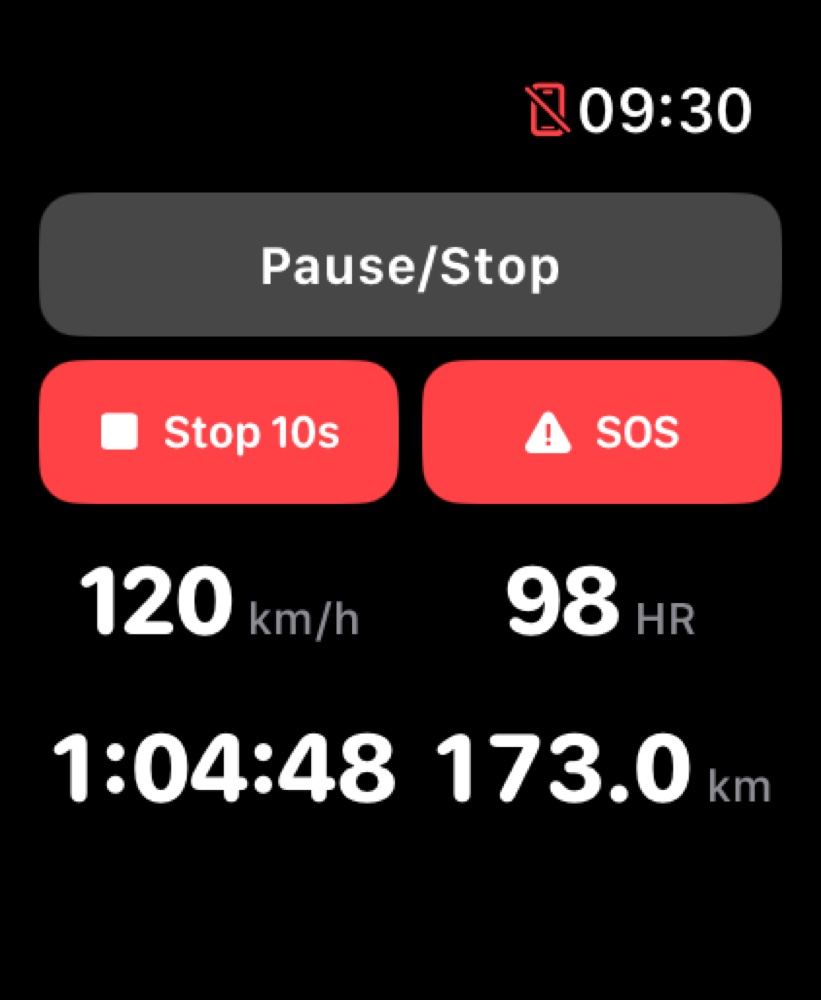
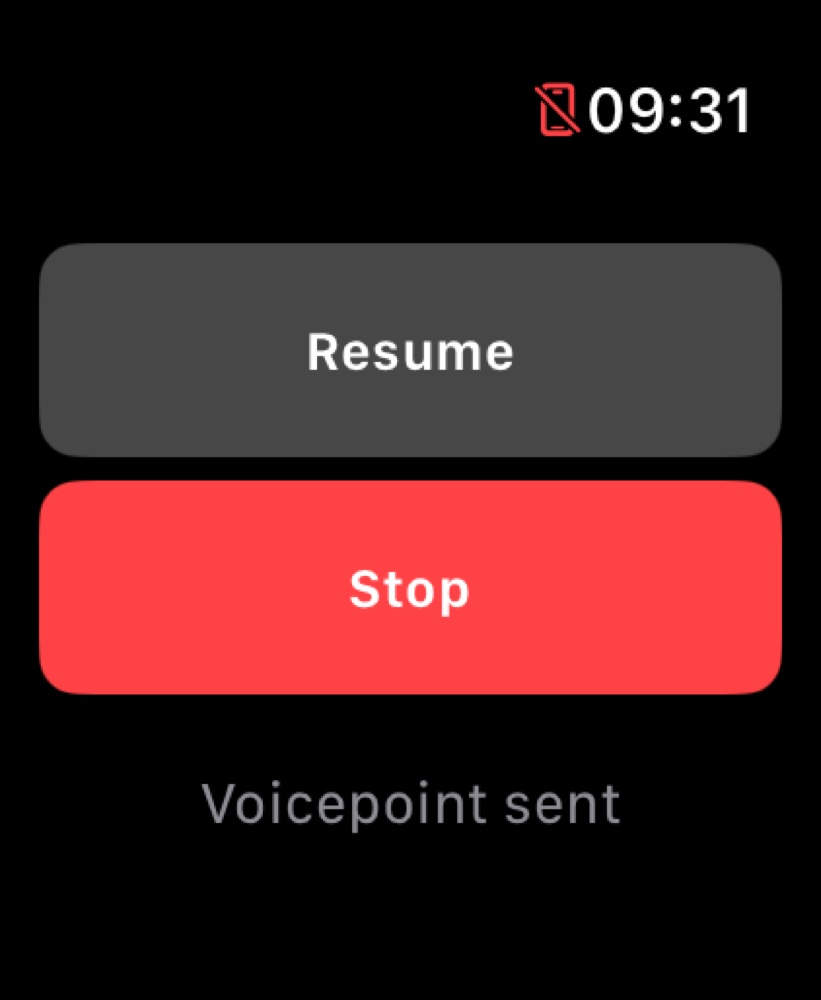
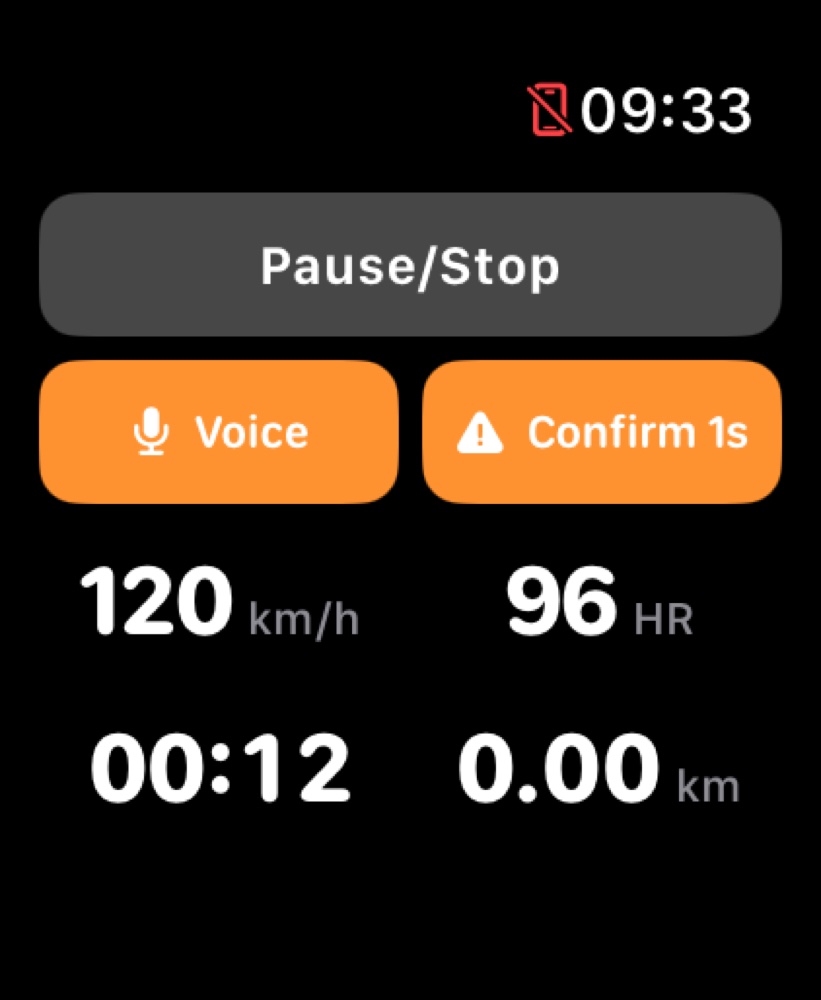
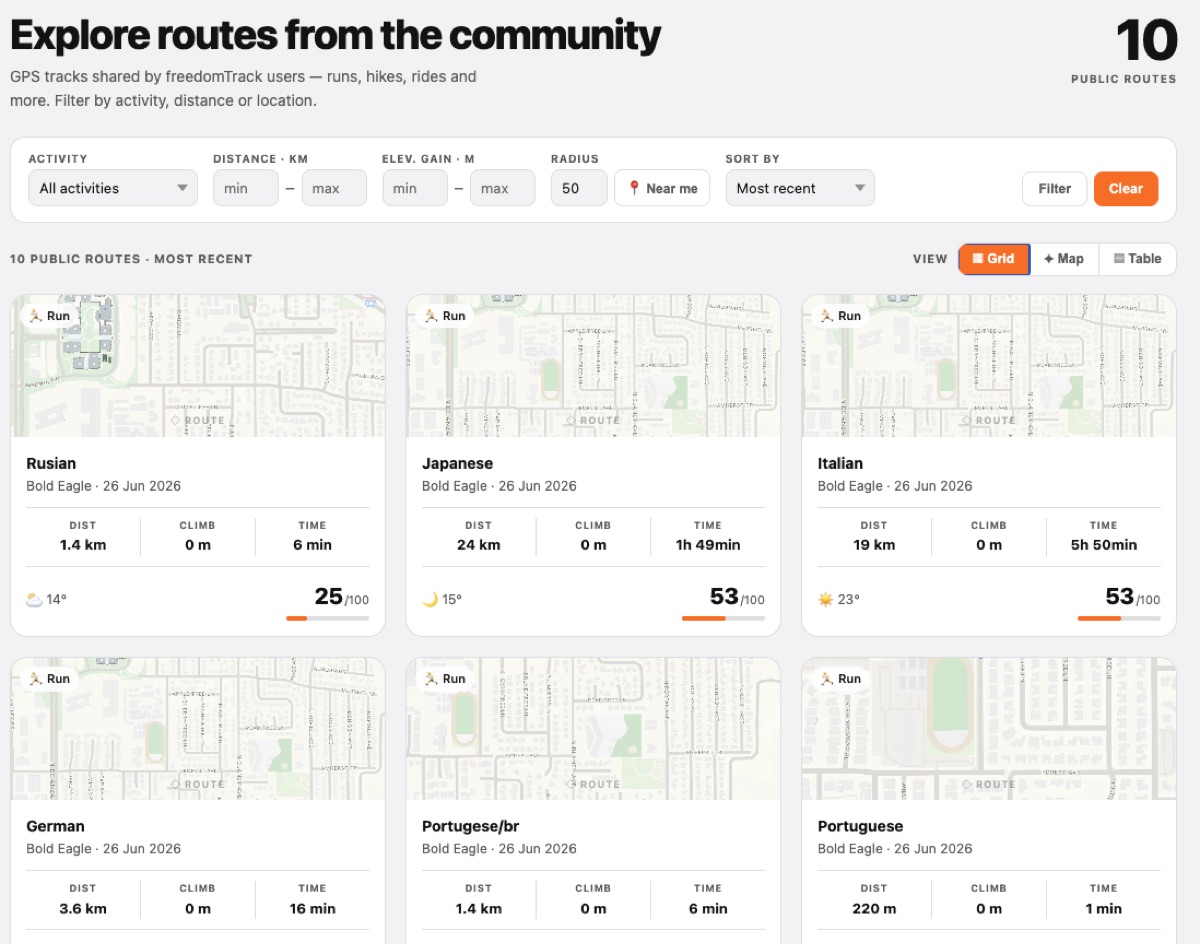
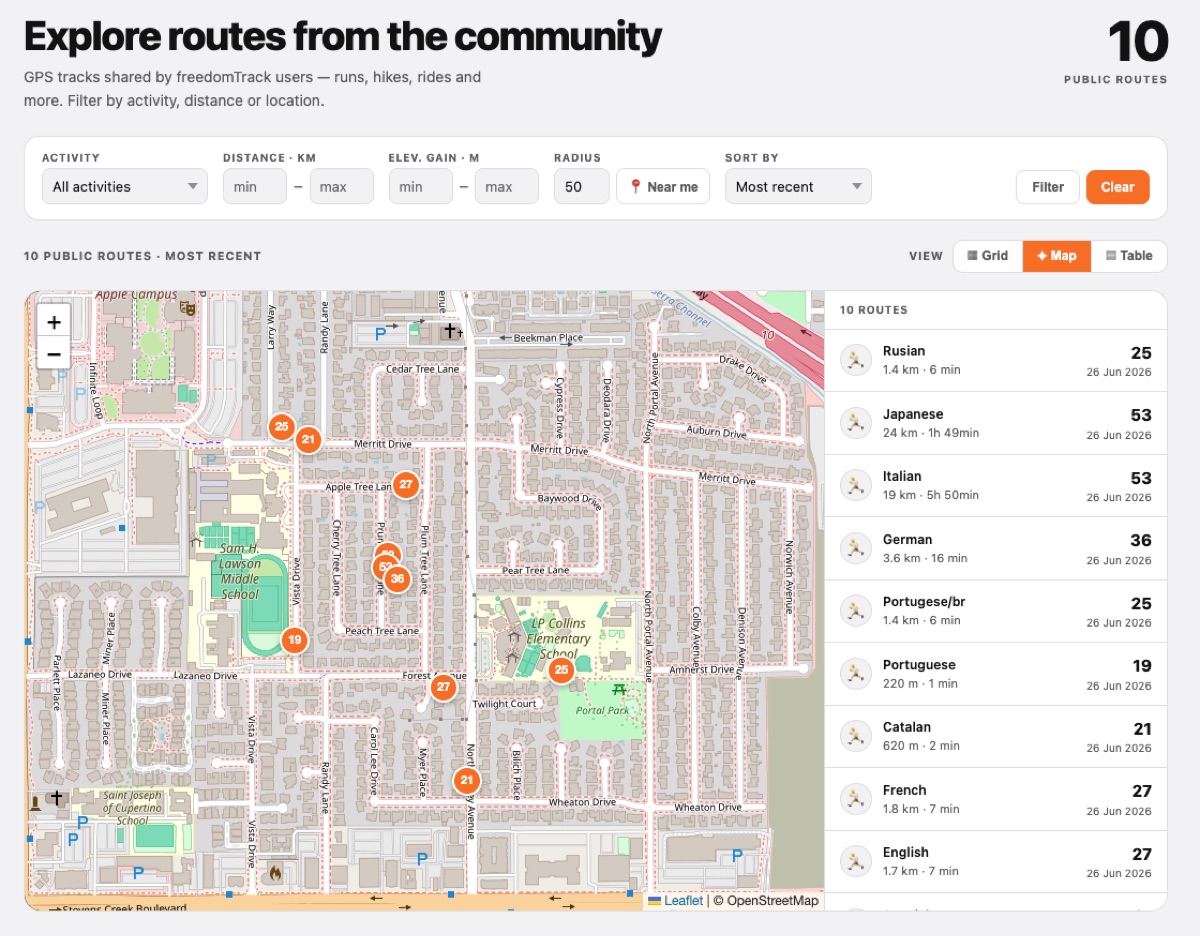
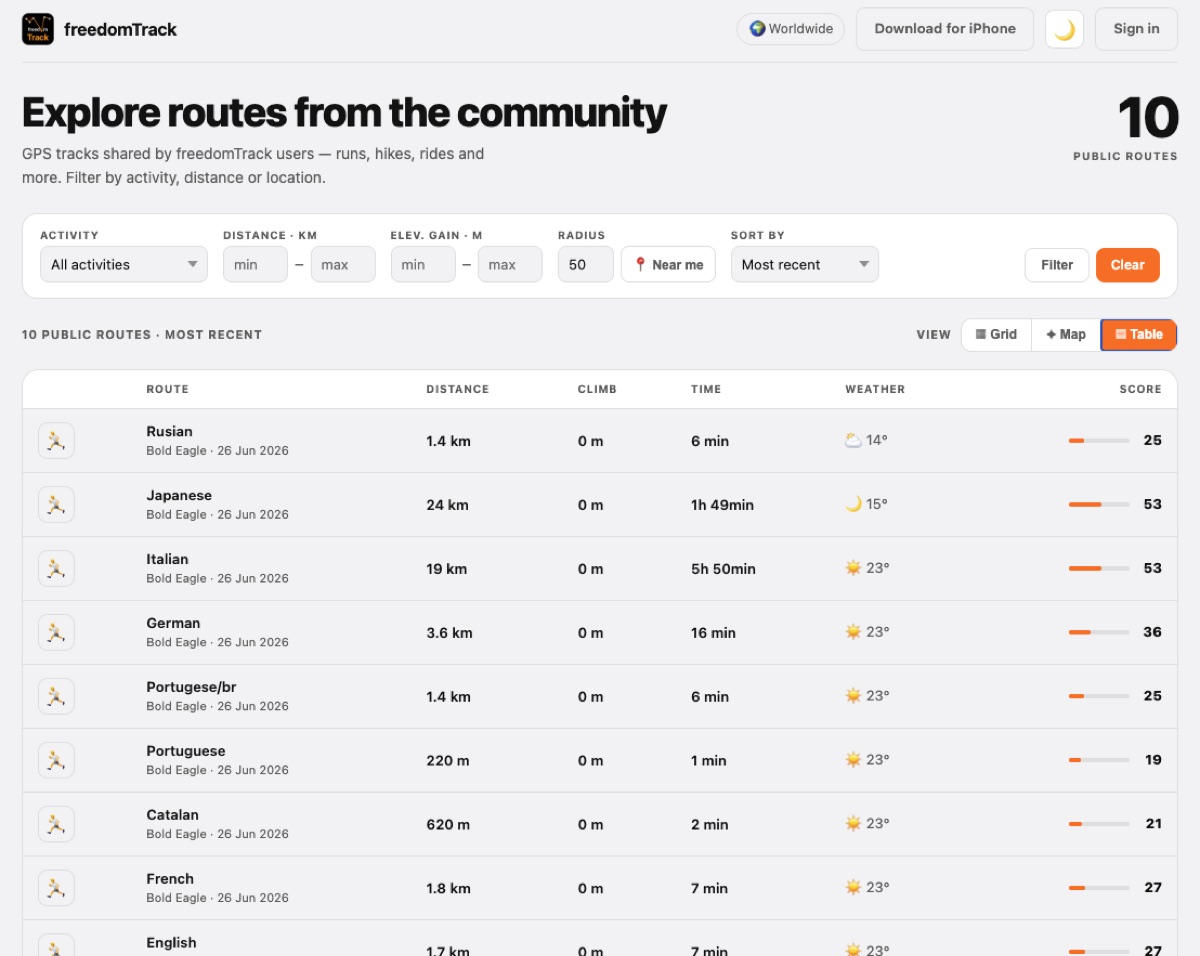
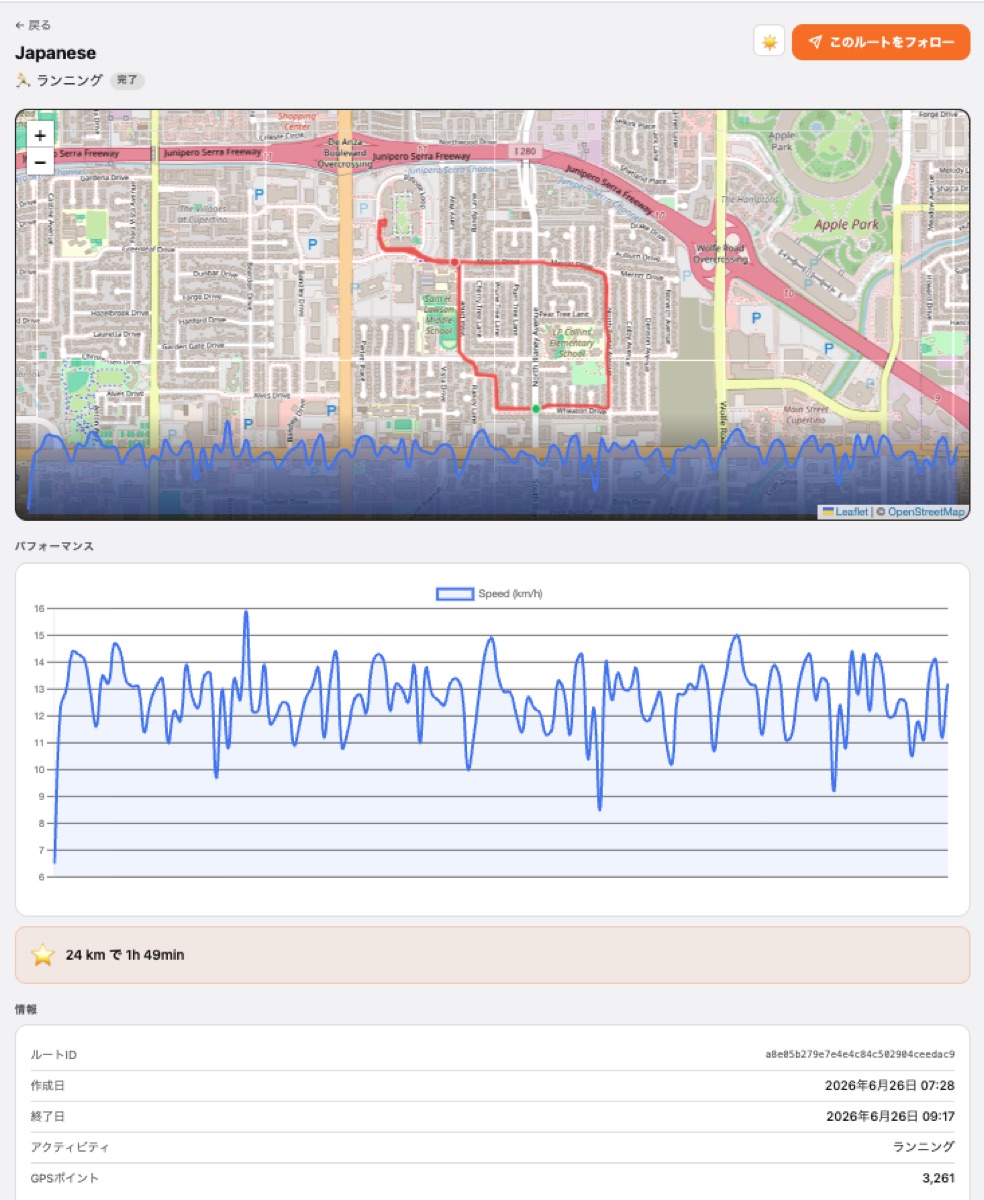
From your wrist to your browser — freedomTrack works across iPhone, Apple Watch, and the web.
Who it's for
Run, ride, hike or ski with full GPS stats, pace announcements, voicepoints and a live link to share with anyone.
Follow your kids on school trips, outdoor activities or their daily commute — know where they are in real time.
For people with disabilities who move outdoors on their own — family and caregivers can follow their route live and stay reassured.
Solo treks, remote routes and off-grid trips — share a live link so someone always knows where you are.
Features
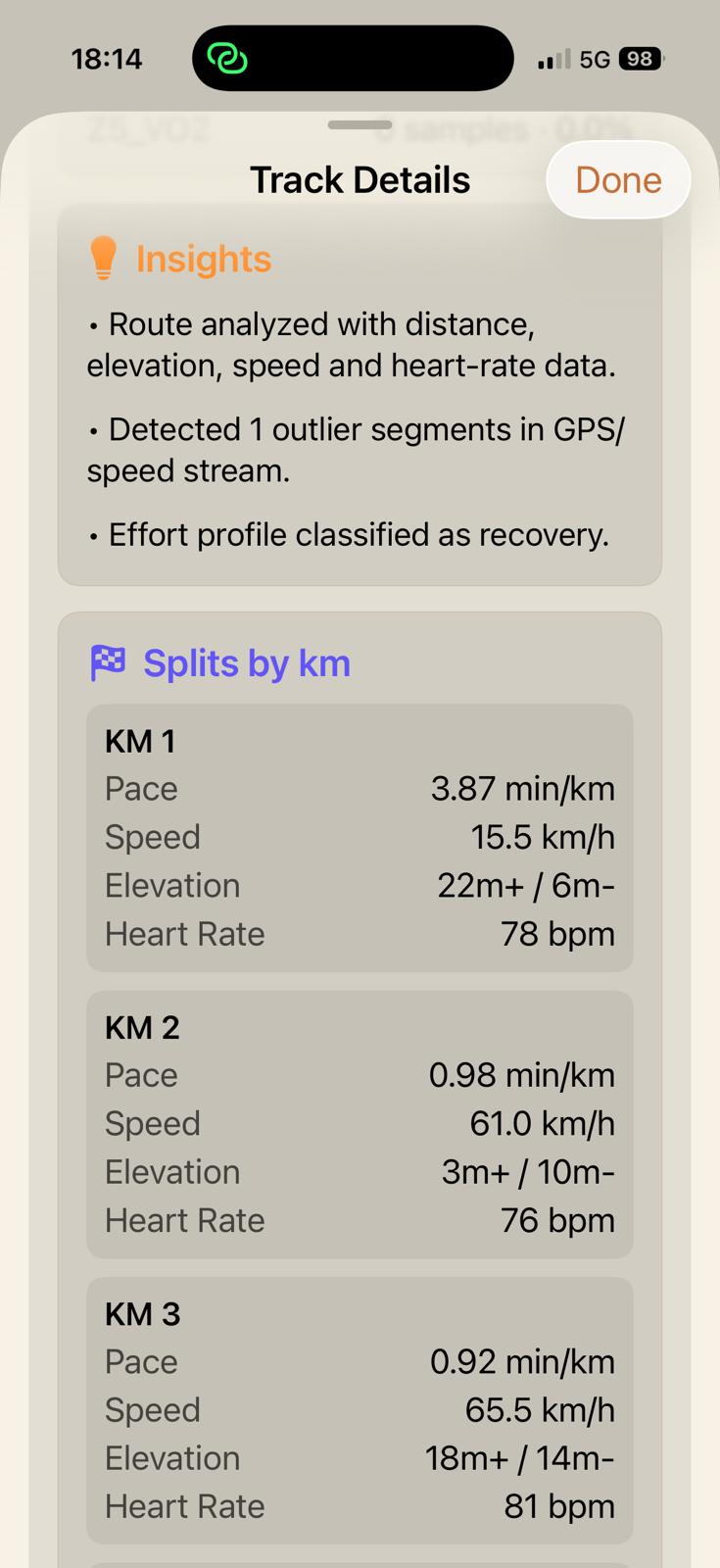
Capture each activity with speed, distance, elevation, heading, and optional Apple Watch heart-rate metrics.
Drop spoken notes on the map, keep the transcription, and replay the original audio from the exact point later.
Share a link so friends or family can follow your route with the refresh interval included in your plan.
Replay a route forward or backward, review pins, and inspect how the activity unfolded after you finish.
Open freedomTrack links or imported route files, then review shared tracks, waypoints, photos, and voicepoints.
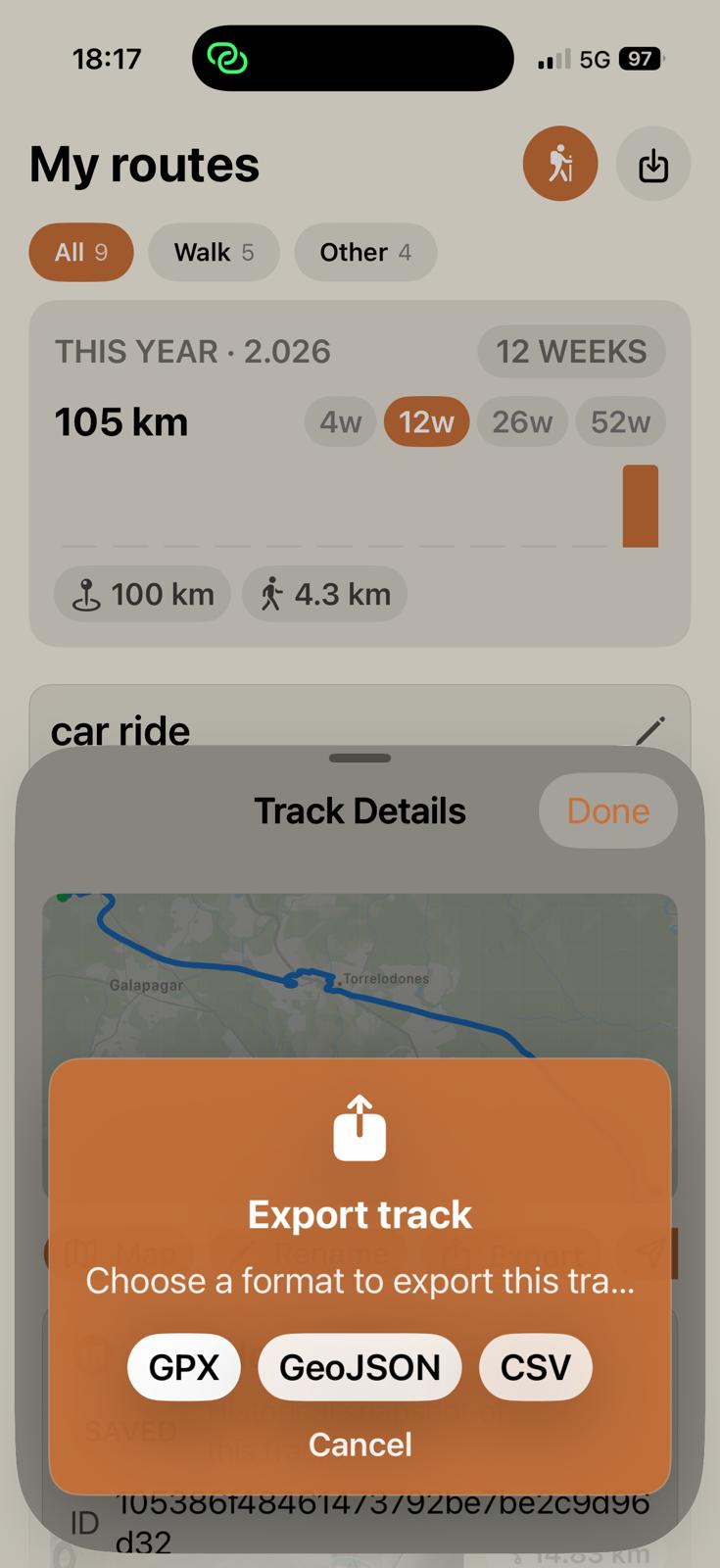
Take your routes with you in GPX, GeoJSON, or CSV for analysis, archiving, or use in other tools.
Privacy
There is no account to create, no email address to hand over, and no personal form to complete. freedomTrack uses a random anonymous device identifier that is not connected to your name or location history. Health data is used only when you grant permission.
Your routes stay on your device until you decide to upload or share them.
freedomTrack checks photos and voice-note transcriptions to warn you about faces, names, phone numbers, or addresses.
The flow removes sign-up friction and reduces personal-data collection from the first use.
Workflow
Guide
Read the freedomTrack user manual to review setup, route tracking, privacy controls, sharing, and export options. The app also includes support chat from Settings.
Open manual